
Most people know that Windows needs updates.
What is easier to overlook is that one of the programs you probably use more than almost anything else on your computer — your web browser — needs security updates too.
That matters because your browser is constantly interacting with websites, downloads, online accounts, email links and other content from the internet.
And recently, browser security has provided another good reminder of why staying current matters.
Google released Chrome 153 on September 8 with 230 security fixes. Google also confirmed that an exploit for one of the vulnerabilities addressed by the update was already being used in the wild. Microsoft Edge, which is also based on Chromium, received security updates addressing the same vulnerability and continues to incorporate Chromium security fixes. Chrome Releases
For most people, the good news is that Chrome and Edge are designed to update automatically.
There is just one catch.
The Update May Be Downloaded — But Not Yet Installed
Browser updates commonly happen quietly in the background.
That is convenient, but it can also create a false sense that everything is automatically taken care of.
Google explains that Chrome normally updates when you close and reopen the browser. If you leave Chrome running for an extended period, an update can remain pending until you relaunch it. Microsoft provides similar guidance for Edge: an update may already be downloaded but still require the browser to restart before it is fully applied. Google Help
That means someone who habitually leaves dozens of browser tabs open for days or weeks may unintentionally postpone an important security update.
You do not necessarily need to reboot the entire computer every time. Often, simply closing and reopening the browser — or selecting its Relaunch or Restart option when prompted — is enough.
Why Browser Security Matters
A web browser isn’t just a window for reading websites anymore.
We use browsers for banking, email, Microsoft 365, cloud storage, business applications, shopping, social media and countless other services.
The browser processes code and content supplied by websites all day long. Security vulnerabilities can sometimes allow specially crafted web content to do things it should not be able to do.
That is why a vulnerability known to be actively exploited deserves attention.
It doesn’t mean everyone using an older browser version is automatically compromised. It does mean there is little reason to leave a known security fix sitting unapplied.
“But My Browser Updates Automatically”
Usually, yes — and that’s a good thing.
For most home and small-business users, leaving automatic browser updates enabled is the right approach.
But automatic doesn’t always mean instantaneous.
The update has to download, install and, in some cases, wait for the browser to restart before the updated version is actually running.
Fortunately, checking is easy.
- Google Chrome: Open the three-dot menu, choose Help → About Google Chrome. Chrome will check for updates. If you see Relaunch, select it when you’re ready to restart the browser.
- Microsoft Edge: Open the three-dot menu, choose Help and feedback → About Microsoft Edge. Edge will check for updates and may ask you to Restart to finish installing one.
Both browsers normally restore your regular tabs after restarting, although you should save anything important before closing a browser just as a precaution. Google specifically notes that Incognito windows are not restored after a Chrome relaunch. Google Help
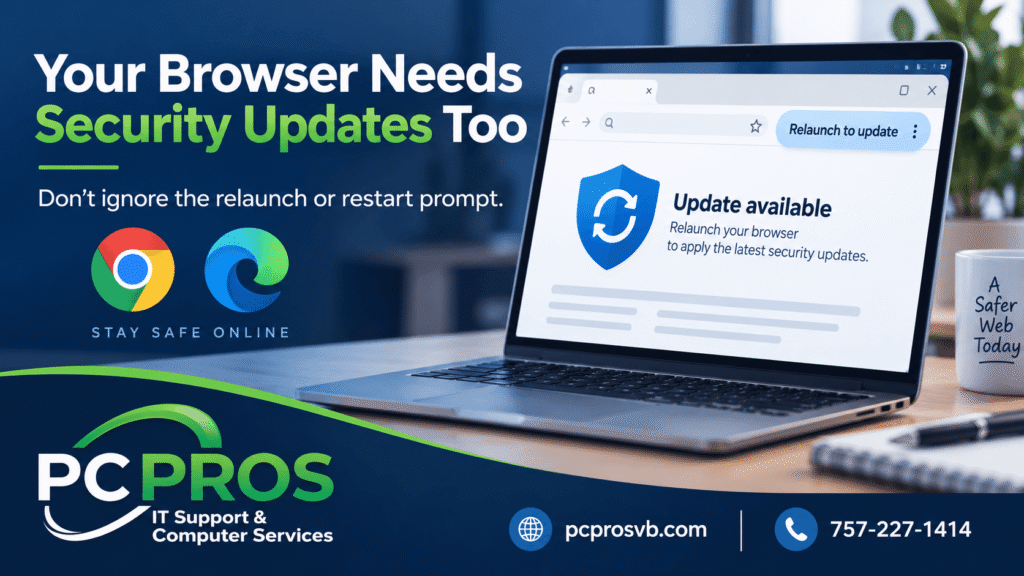
Don’t Ignore the “Relaunch to Update” Message
It can be tempting to keep dismissing an update notice because you have several tabs open and don’t want to interrupt what you’re doing.
Putting it off for a few hours while you finish something is one thing.
Ignoring it for days or weeks is another.
When a browser tells you that an update is ready and needs a restart, it is generally a good idea to finish what you’re working on and let the browser complete the update.
That is especially true on business computers where browsers may be used to access customer information, financial services, company email and other important systems.
Browser Updates Are One Part of Keeping a Computer Secure
Keeping Chrome or Edge current won’t replace good security practices.
You still need Windows updates, current security software, strong passwords, appropriate backups and caution about links, downloads and unexpected messages.
But browser updates are an easy piece of the security puzzle to overlook.
So the next time you see “Relaunch to update” or “Restart to finish updating,” don’t assume it is merely offering you a new feature.
There may be an important security fix waiting behind that button.
Not sure whether your computer, browser or other software is staying properly updated? PC Pros can help make sure your systems are current, secure and working as they should.
PC Pros
IT Support & Computer Services in Virginia Beach and nearby areas
757-227-1414