
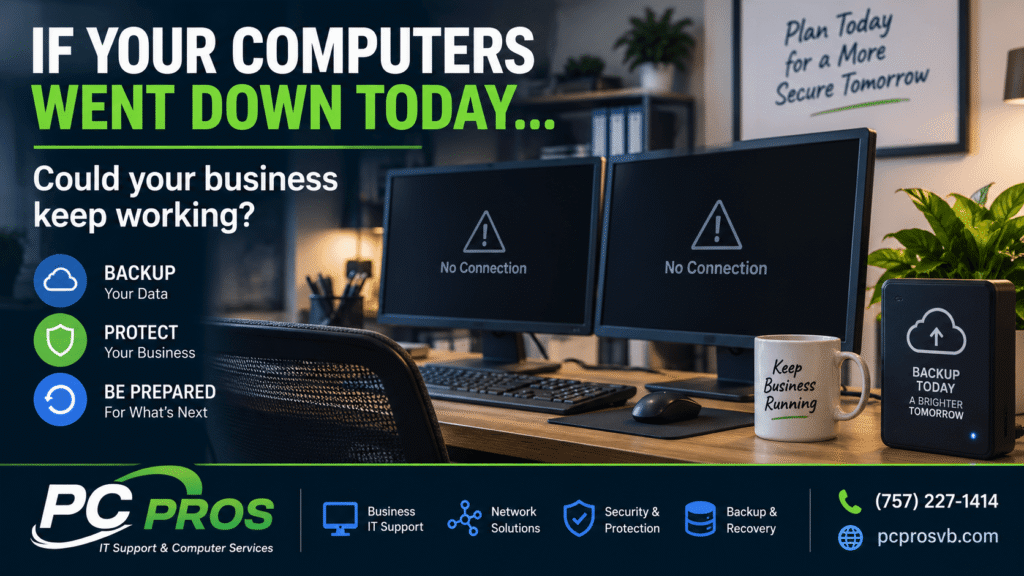
Most businesses depend on their computers every day.
Customer information, accounting records, documents, email, scheduling, inventory, specialized applications and other critical information may all depend on technology working when it’s needed.
But here’s a question many small businesses don’t seriously consider until something goes wrong:
If your computers went down today, how quickly could your business get back to work?
It’s a timely question. On September 8, Boston Scientific said a recent cyberattack disrupted its global operations enough that the company no longer expects to meet its previous 2026 sales and profit forecasts. Network outages affected manufacturing and order processing before operations began recovering.
A small business probably doesn’t have the same technology infrastructure as a global corporation. But the underlying lesson applies to businesses of every size:
Having your data backed up is important. Knowing you can actually recover it when something goes wrong is even more important.
Backup and Recovery Aren’t Quite the Same Thing
When we ask a business owner whether important information is backed up, the answer is often yes.
That’s a good start.
But a backup is simply another copy of your information. Recovery is the process of getting that information — and potentially the computers and systems that use it — working again after a failure.
Those aren’t necessarily the same thing.
You might discover that your files have been backing up successfully every night, but how long would it take to download or restore them? What happens if the computer that normally runs your accounting software is unusable? Do you have the software and information necessary to rebuild that computer?
And perhaps most importantly:
Has anyone ever tested whether your backup can actually be restored?
Cybersecurity guidance from CISA recommends maintaining offline backups of critical data and regularly testing their availability and integrity in a disaster-recovery scenario. CISA
A backup that has never been tested leaves an important question unanswered until the worst possible time.
It’s Not Just About Cyberattacks
Ransomware and other cyberattacks understandably receive a lot of attention, but there are plenty of less dramatic ways a business can lose access to important information.
A hard drive or SSD can fail. A computer can be damaged by a power problem. Files can accidentally be deleted or overwritten. Equipment can be stolen. A software problem can make information inaccessible. Fire, water or another physical event can damage equipment.
Sometimes the computer simply fails.
Whatever the cause, the important question is the same:
How quickly can you recover?
What Should Your Business Be Backing Up?
The answer will be different for every business.
Start by identifying what you couldn’t comfortably operate without.
That might include:
- Customer and client records
- Accounting and financial information
- Business documents and spreadsheets
- Email and contact information
- Databases
- Photos and other business assets
- Application data
- Configuration information
- Files stored on individual employee computers
This is where backup planning becomes more than simply plugging an external drive into a computer.
NIST’s contingency-planning guidance recommends identifying mission-critical operations along with the data and systems that support them, then determining how those resources will be recovered following an interruption. NIST
For a small business, that doesn’t have to mean creating a huge corporate disaster-recovery manual. It does mean knowing what matters and what you would need to get it working again.
One Backup May Not Be Enough
Another consideration is where your backups are located.
If your only backup is an external drive permanently connected to the computer, some of the same events that affect the computer could affect the backup as well.
For example, certain ransomware can attempt to encrypt or delete accessible backups. CISA therefore recommends keeping offline backups and maintaining multiple copies of important information in separate, secure locations. It also references the familiar 3-2-1 backup approach: three copies of the data, using two different types of storage, with one copy kept off-site. CISA
Cloud backup can be part of that strategy. So can appropriately managed local storage.
The right solution depends on the business, how much information it has, how frequently that information changes and how quickly it needs to recover.
Ask Yourself These Questions Before Something Goes Wrong
You don’t need to wait for an emergency to find weaknesses in your backup plan.
Ask yourself:
What is being backed up?
How often is it being backed up?
Where are those backups stored?
Would I know if the backup stopped working?
When was the last time something was successfully restored from it?
If this computer failed completely today, what would I need to get the business running again?
If you’re uncertain about several of those answers, your business may have a backup system — but not necessarily a complete recovery plan.
The Goal Isn’t Just Protecting Files. It’s Getting Back to Work.
Ultimately, that’s what backup and recovery are about.
The goal isn’t simply being able to say, “Yes, we have a backup.”
The goal is being able to say:
“If something happens, we know what is protected, we know how to recover it, and we know how to get back to work.”
For a small business, a few hours or days without access to important information can be far more disruptive than expected.
A little planning beforehand can make an enormous difference afterward.
If you’re not sure what your business is currently backing up — or whether those backups could actually be restored when you need them — PC Pros can help review your backup and recovery setup and identify potential gaps before they become emergencies.
PC Pros
IT Support & Computer Services in Virginia Beach and nearby areas
757-227-1414